Español
 Français
 Português


- New
 Security Policy
Your data and payments are protected with secure, encrypted systems.
 Delivery Policy
Fast shipping with real-time tracking until your order arrives.
 Return Policy
Easy, hassle-free returns within the established period.

Garantizamos un pago seguro y protegido
High-speed charging and synchronized transfer
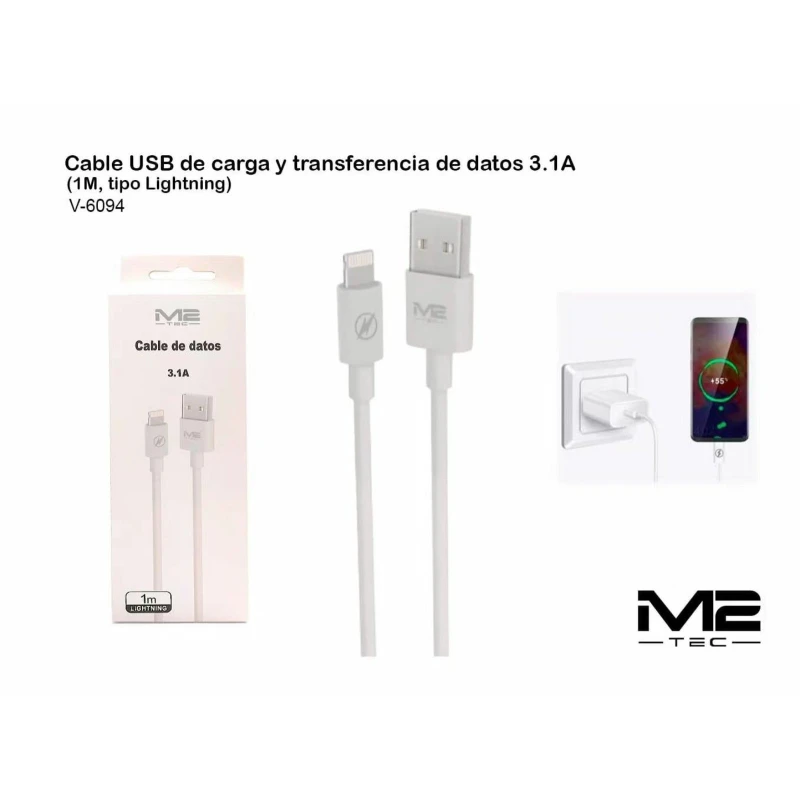
It supports an output current of up to 3.1A to optimize charging times for compatible devices. It enables stable data transfer between mobile devices and computers with a USB port.
Lightning connectivity for the iOS ecosystem
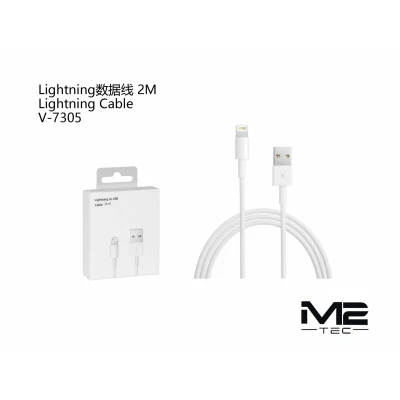
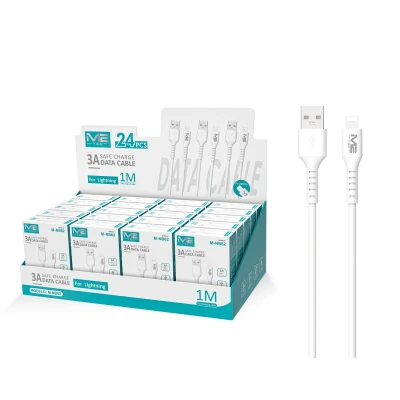
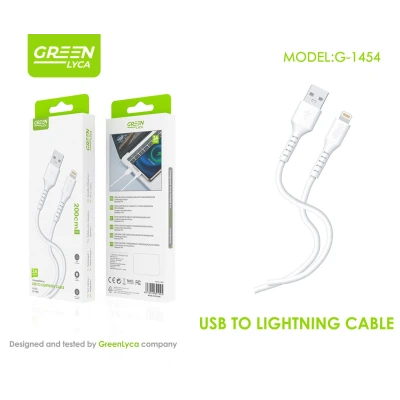
Equipped with an 8-pin Lightning connector compatible with various phone models. The opposite end features a standard USB-A connection for universal use with chargers and computers.
Functional design and flexible materials
Manufactured with a flexible, white outer jacket for easy everyday handling. The connector structure is designed to withstand frequent insertion without compromising cable integrity.
Standard length of one meter
The cable measures 1 meter, providing the ideal balance between reach and portability. This length is suitable for both workstations and home or vehicle use.
Optimized presentation for point of sale
The product is supplied in an individual box with a hole for shelf display and hooks. The packaging design includes clear technical specifications to facilitate the end customer's purchasing decision.
High-turnover solution for wholesalers
It's an essential item for accessory shops, technical services, and e-commerce retailers. Its technical specifications and commercial presentation ensure consistent demand in the B2B sector.
| Product type | Charging and data transfer cable |
| Usage format | Connector cable with flexible wiring |
| Connectivity | USB-A to Lightning |
| Amperage | 3.1A |
| Length | 1 meter |
| Color | White |
| Reference | V-6094 |
What is the maximum charging speed this cable allows?
This model is specified to handle up to 3.1 amps (3.1A). To achieve this performance, the cable must be connected to a power adapter that provides this output power.
Is it compatible with file syncing with iTunes?
Yes, the V-6094 cable is designed for both battery charging and data transfer. It allows you to sync music, photos, and files between devices with a Lightning port and a computer.
What is the total length of the cable?
The cable has a total length of 1 meter, which is the standard commercial measurement for this type of mobile phone accessory, making it easy to transport and use in small spaces.
Does it come with a wall power adapter?
No, this product includes only the 1-meter cable in its individual packaging. The power adapter or wall charger must be purchased separately or you can use one you already own.
The V-6094 charging and data cable is a basic and efficient component for any telephony professional's catalog. Its 3.1A output ensures adequate technical response to current charging demands.

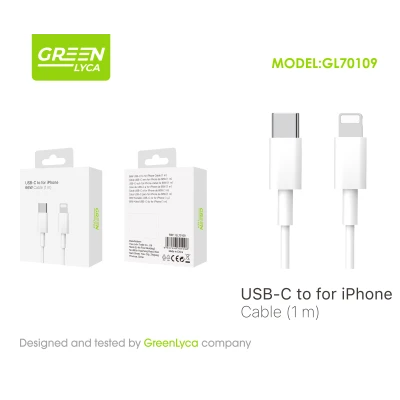
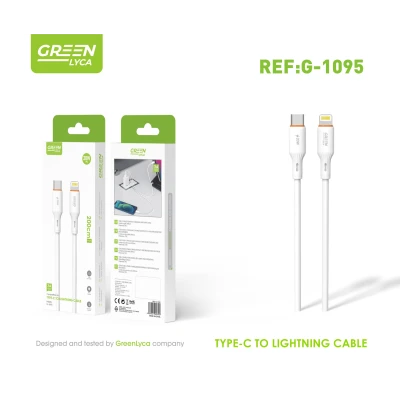
Green Lyca GL70109 USB-C to iPhone cable, 1 meter long with a rated power of 66W. Designed to connect chargers, adapters, or devices with a USB-C port to iPhones compatible with the connector shown in the image. Its white finish, retail packaging with a hanging loop, and convenient 1-meter length make it an ideal accessory for everyday charging at home, in the office, or while traveling.